
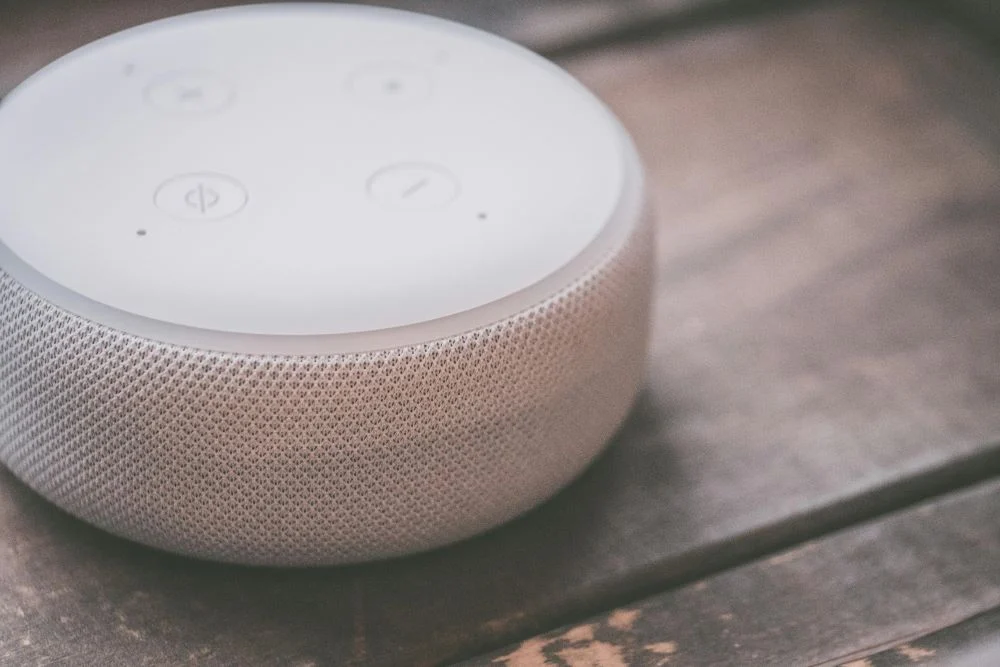
In today’s fast-paced world, convenience is king — and nothing says convenience like controlling your entire home with just your voice or a tap on your smartphone. Whether you’re automating your lighting, managing home security, or simply asking for the weather forecast, smart hubs and smart speakers are the heart of any modern smart home system.
If you’re new to the world of smart devices, setting up your first smart hub or speaker can feel a little intimidating. But don’t worry — Jelnic Services is here to simplify the process. In this guide, we’ll walk you through everything you need to know to set up your smart hub or smart speaker and get your smart home running smoothly.
What Is a Smart Hub or Smart Speaker?
Let’s start with the basics.
- Smart Hub: A central device that connects and manages your smart home gadgets, allowing them to communicate with each other. Popular hubs include Samsung SmartThings, Amazon Echo (with Zigbee capabilities), and Apple HomePod.
- Smart Speaker: A smart speaker, like Amazon Echo or Google Nest, not only plays music but also serves as a voice-activated assistant that can control smart devices, answer questions, and perform tasks.
Many smart speakers double as hubs, making them a great starting point for beginners!
Step 1: Choose the Right Smart Ecosystem
Your smart hub or speaker is only as good as the ecosystem it supports. The three main players are:
- Amazon Alexa: Compatible with a vast range of devices. Great for voice control and custom routines.
- Google Assistant: Known for its fast responses and deep Google integration.
- Apple HomeKit: Perfect for Apple users looking for seamless device syncing and enhanced privacy.
Jelnic Pro Tip: Stick with one ecosystem as much as possible to avoid compatibility headaches down the road.
Step 2: Unbox and Connect to Wi-Fi
Once you’ve chosen your device, it’s time to get connected.
Quick Setup Tips:
- Place your hub or speaker in a central location — ideally near your most-used rooms for the best voice recognition.
- Plug in your device and wait for it to power up.
- Download the companion app (Amazon Alexa, Google Home, or Apple Home).
- Connect to your home Wi-Fi network through the app.
Stable Wi-Fi is crucial! Consider upgrading your router if you plan to connect multiple smart devices.
Step 3: Add and Connect Smart Devices
With your hub or speaker online, it’s time to build your smart home network.
Most Popular Devices to Add:
- Smart lights and plugs
- Smart thermostats
- Security cameras and doorbells
- Smart locks
- Motion sensors
Using your app, follow the prompts to pair each device. Most modern smart gadgets support “plug-and-play” setup, making this process quick and user-friendly.
Need help? Jelnic Services offers professional setup to ensure everything works flawlessly.
Step 4: Customize Your Commands and Routines
This is where the magic happens!
With your devices connected, you can create “routines” — automated sequences that happen based on triggers like time of day, your location, or specific commands.
Examples of Smart Routines:
- “Good Morning”: Lights turn on gradually, thermostat adjusts, news briefing plays.
- “Movie Night”: Lights dim, TV turns on, speakers switch to surround sound.
- “Away Mode”: Security system arms, lights switch to random patterns to mimic occupancy.
Your smart hub or speaker app will guide you through creating these, or Jelnic Services can help you design custom scenes for your lifestyle.
Step 5: Keep Your System Secure
Smart home convenience comes with the responsibility of maintaining digital security. Don’t skip this step!
Best Practices:
- Change default passwords on all devices.
- Enable two-factor authentication on your smart home account.
- Regularly update device firmware to patch security vulnerabilities.
- Secure your Wi-Fi network with a strong, unique password.
At Jelnic Services, we prioritize your privacy and can help you implement best-in-class security practices for your smart home.
Step 6: Troubleshooting Tips
Sometimes, even the smartest homes hit a snag. Here’s how to solve common issues:
| Problem | Solution |
| Devices not connecting | Check Wi-Fi connection, reboot your hub. |
| Voice commands not recognized | Reposition your speaker for better sound pickup. |
| Devices going offline intermittently | Improve router placement or use a mesh network. |
| App glitches | Update the app or reinstall. |
If you run into persistent problems, our Jelnic Services experts are just a call away!
Future-Proof Your Smart Home
As technology evolves, your smart hub or speaker should too. Look for models that support over-the-air updates and new device integrations.
When it’s time to expand, Jelnic Services can recommend the best additions — from advanced security systems to immersive home entertainment setups.
Why Trust Jelnic Services?
We know home automation can feel overwhelming at first. That’s why we’re here to make it simple, affordable, and personalized. Our team offers:
- Expert consultations
- Professional installations
- Custom smart home design
- Ongoing support and troubleshooting
With Jelnic Services, your dream smart home is just a setup away.
Ready to Get Smarter? Take the first step toward an easier, more connected life.
📞 Contact Jelnic Services today for a free consultation and expert installation services.